SNHU Emblem

For this exercise, I edited a pre-designed Illustrator file, exported it to Photoshop and then applied various filters to the layers to get this effect:

Ai-Layers-to-Export-to-Psd

I used the bevel and emboss filter in various degrees to get the depth to this badge-like design. I also applied texture of the yellow circle and blue rectangle. The badge, blue circle and blue rectangle all have beveling filters as do the small yellow dots (but I adjusted the filter to have it look like the dots are pushed in).

Here is the original, given to us by the instructor:

Ai-Layers-to-Export_original

Playing with Illustrator

Snowflakes

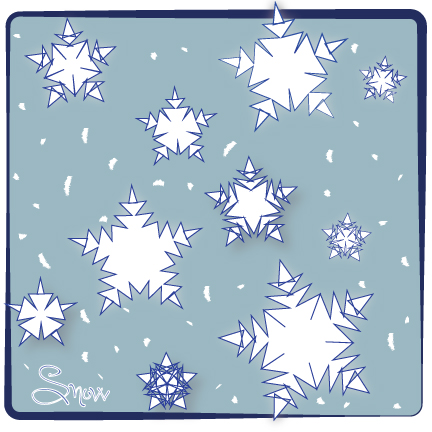
For this assignment we were asked to experiment with some of the basic tools in Illustrator: the pen, shape and brush tools. I started with a rounded cornered rectangle, filled it with color, and played with the stroke of the border. Then I used the shape tool to make stars of various sizes. I discovered the zigzag effect, which turned my stars into snowflakes! I used the drop shadow and outer glow filters on a few and used the brush tool to make white dots (snow in the background). I then used the text tool to add the word ‘snow.’

Working with Type

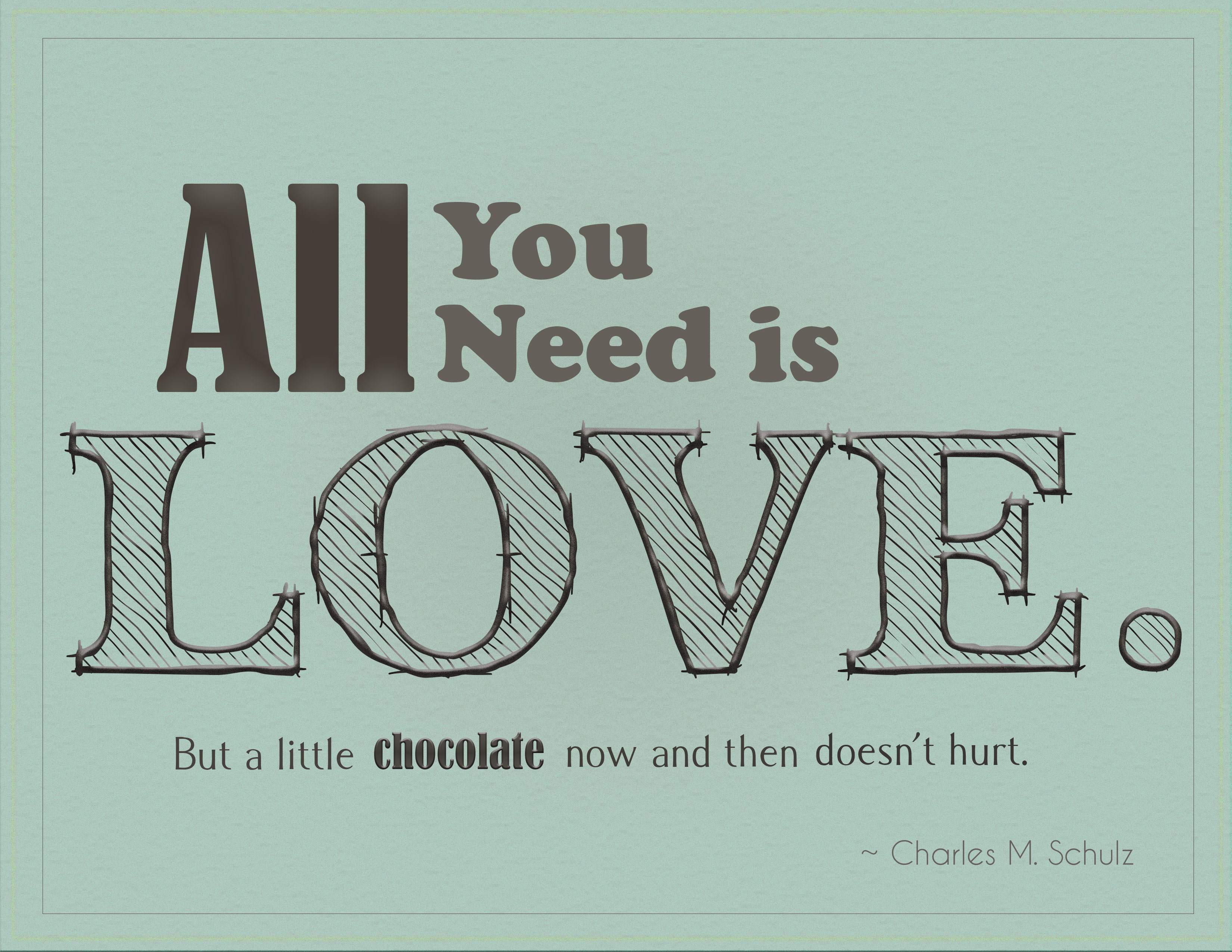
TypeAssignment_Quote For this assignment, I wanted to do justice to the person who said it by creating a sweet tone with a partially hand-drawn look. I played around with filters until I  had a textured background that had a worn appearance, like an old well-loved blanket. Since the quote pays homage to chocolate, I used brown for the font color. I made the first part of the quote prominent and the second more of an after thought. I used four fonts in the quote, but kept them similar (all serif). I applied filters (satin and embossed) to the words all, love and chocolate to add extra emphasis.

Class Conclusion

As my Graphics & Layout in Print Media class comes to a close, I am excited about all I have learned in the last eight weeks. Although I still have a long way to go until I’ve mastered Adobe Illustrator, I am impressed with how much more I know now compared to the start of this class. I look forward to learning more as I continue my graphic design study, to build on what I know about color and contrast, font and focal point, hue and hierarchy.

As for the “clients” I served in these class projects, I learned that less isn’t always more. I think more interaction and contact with a client helps a designer know the best way to represent that company/product/event. I am one who likes collaboration and brainstorming and that was lacking in these assignments. I can see how a medium-sized design firm could offer a client so much more potentially with more minds to mingle ideas.

As design and technology continue to merge and technology advances, I worry about the principles and elements of design being overcome by flash and fast-moving graphics. Many students in the class agreed that simplicity is best in design and that consistency is key, but how do we balance this with an ever-changing world that wants everything fresher, better, faster?

I think contrast and typeface are most important when designing, especially in this digital fast-paced world, where things need to be ingested quickly. That is the point of design, isn’t it, to get a message across? To inform? To invite?

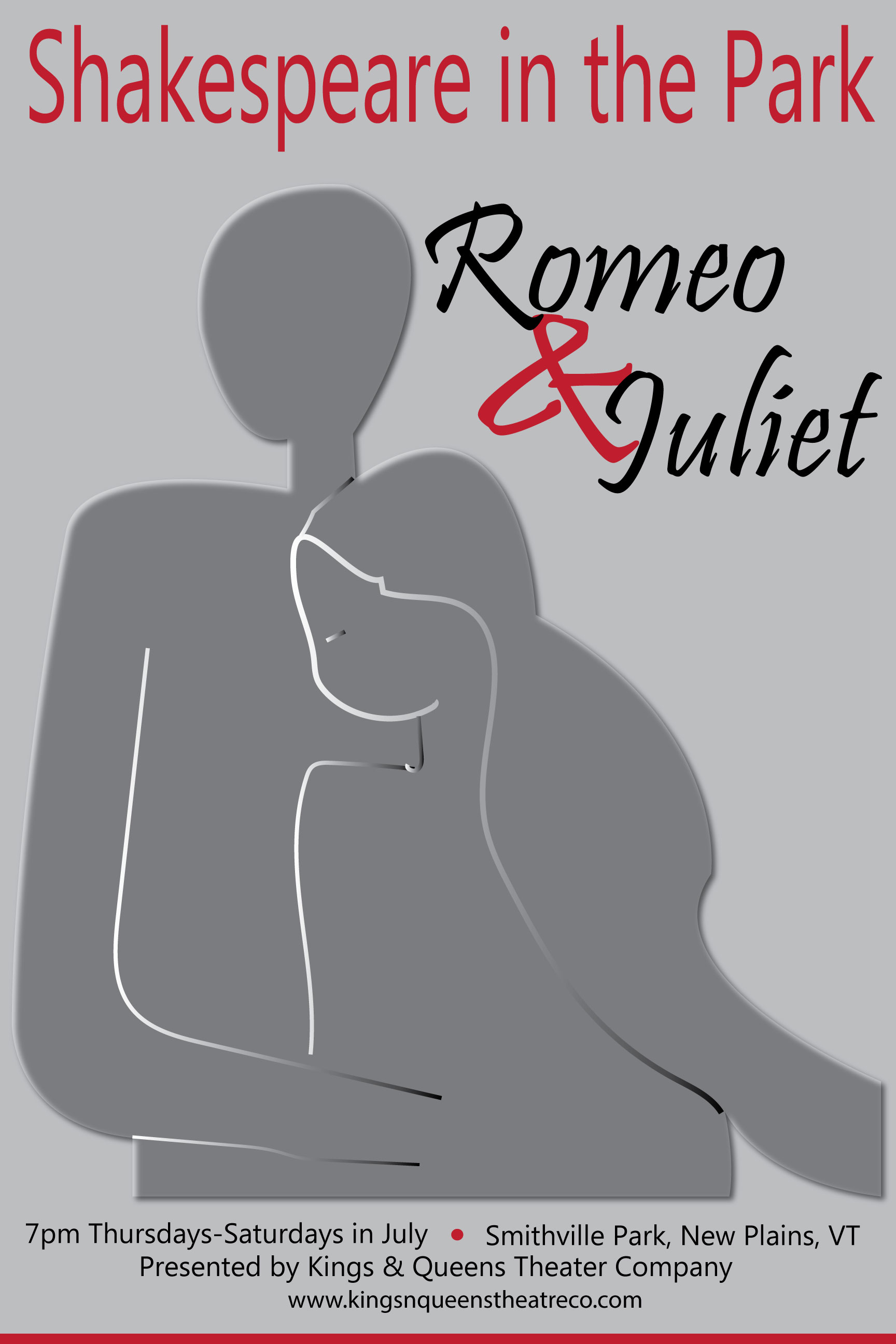
Shakespeare in the Park Poster – Final Design

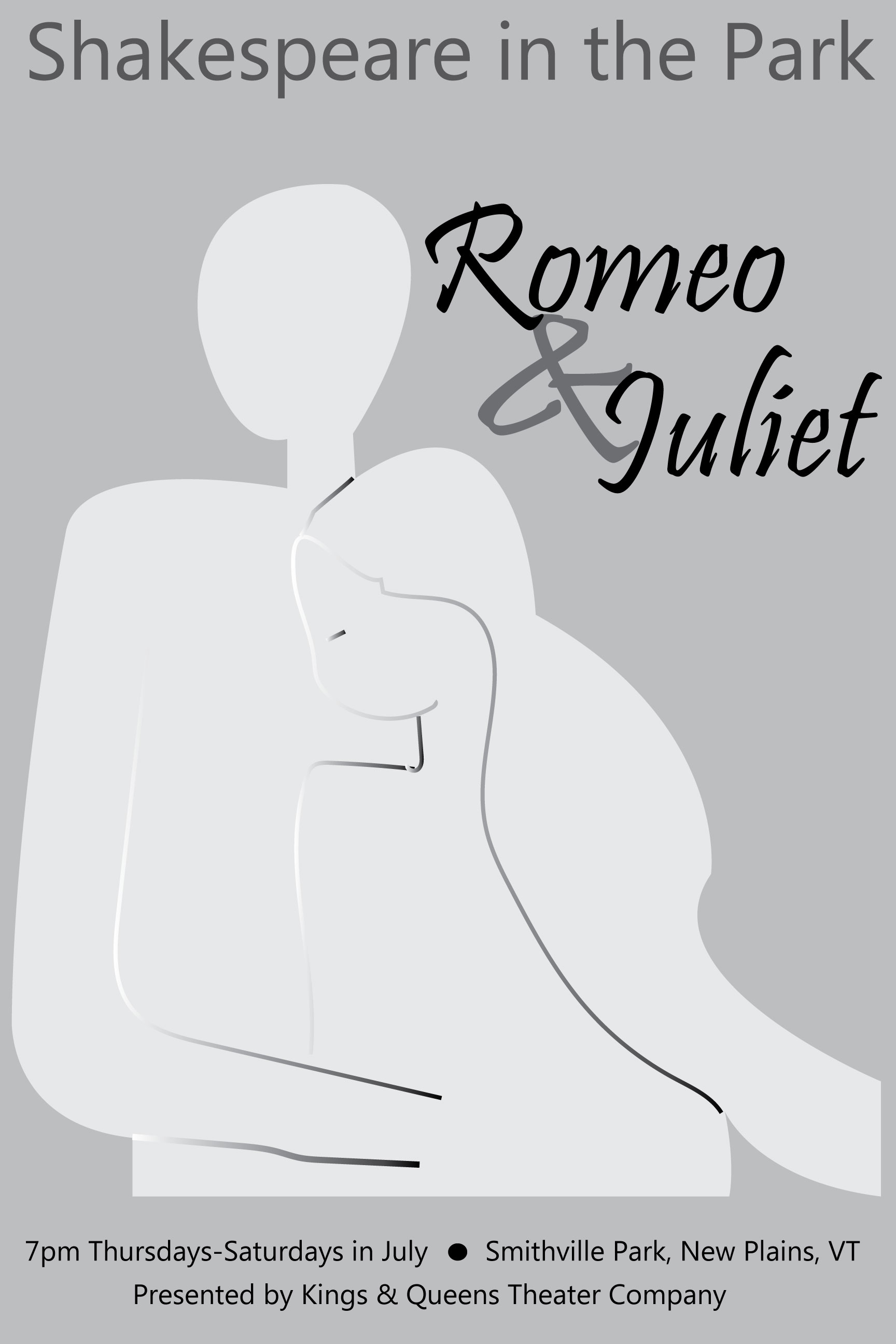
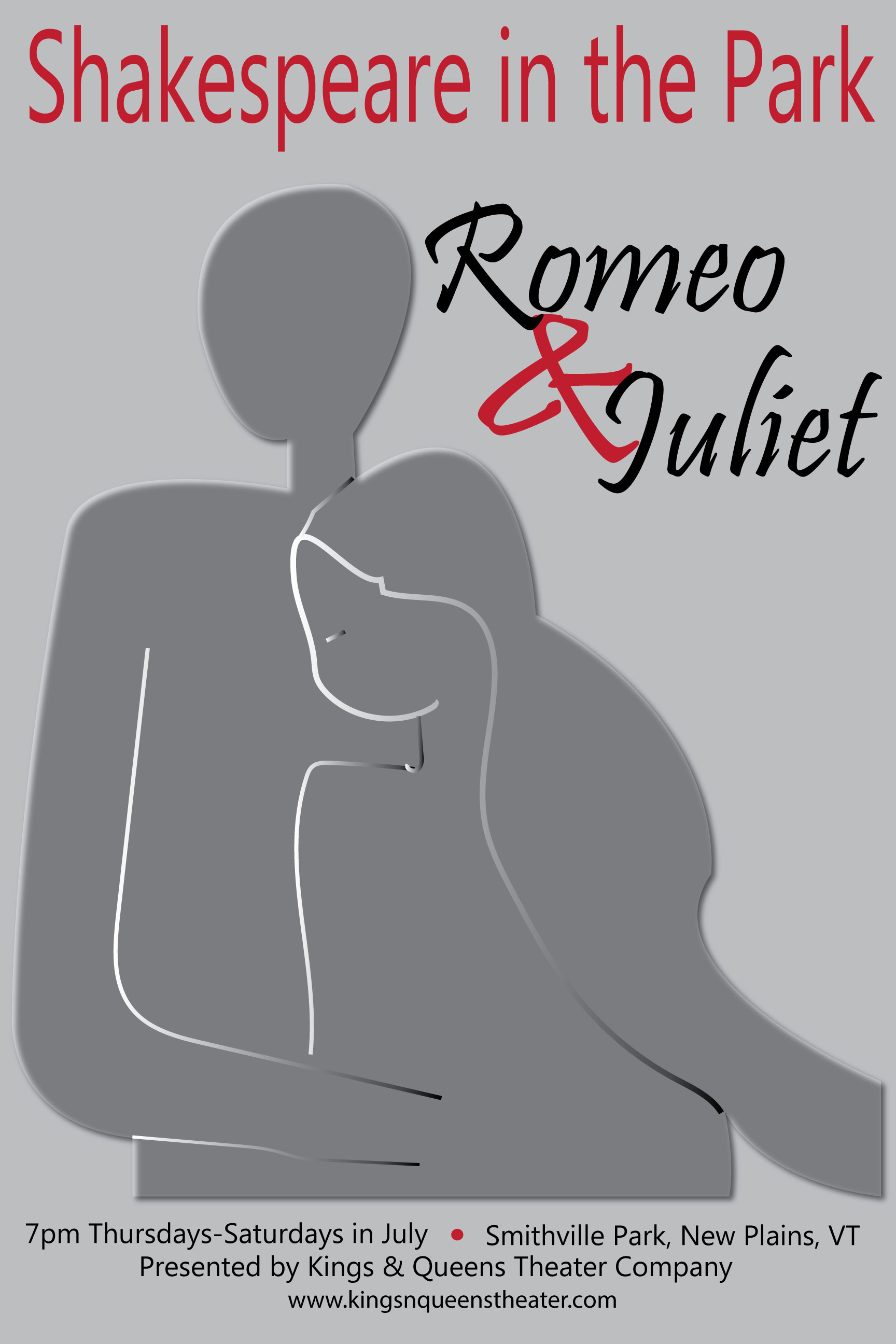
It was difficult deciding which sketch to make into my final poster. I decided to go with the silhouettes, mostly because I wanted to practice using the pen tool. I like the light and dark and the subtly of the people. I originally did not have any red, but the professor suggested using more contrast and color to make it more eye-catching.

KGraham_Poster2

Here’s the one I handed in to be graded:

KGraham_Poster

Poster Thumbnail Sketches & Design Brief

According to Robin Landa in Design Solutions, a poster grabs a viewer’s attention with cooperation between image and type, interesting visualization and consideration of composition. A good composition must not only grab attention, but also set it apart from everything else out there that wants to be seen and communicate its key message clearly. To do this a designer must identify the message and the audience it’s trying to reach.

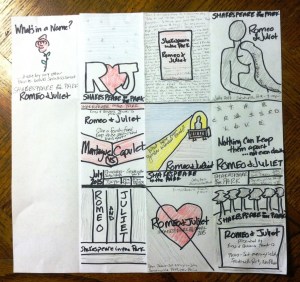
I played with a few different ideas with the Shakespeare posters – from a starry sky, to a lit balcony to a park. The sketch with “Montague vs. Capulet” was inspired by a boxing match poster. I tried to play up the light versus dark theme and to use some of the more famous lines from the play.
poster sketches (2)

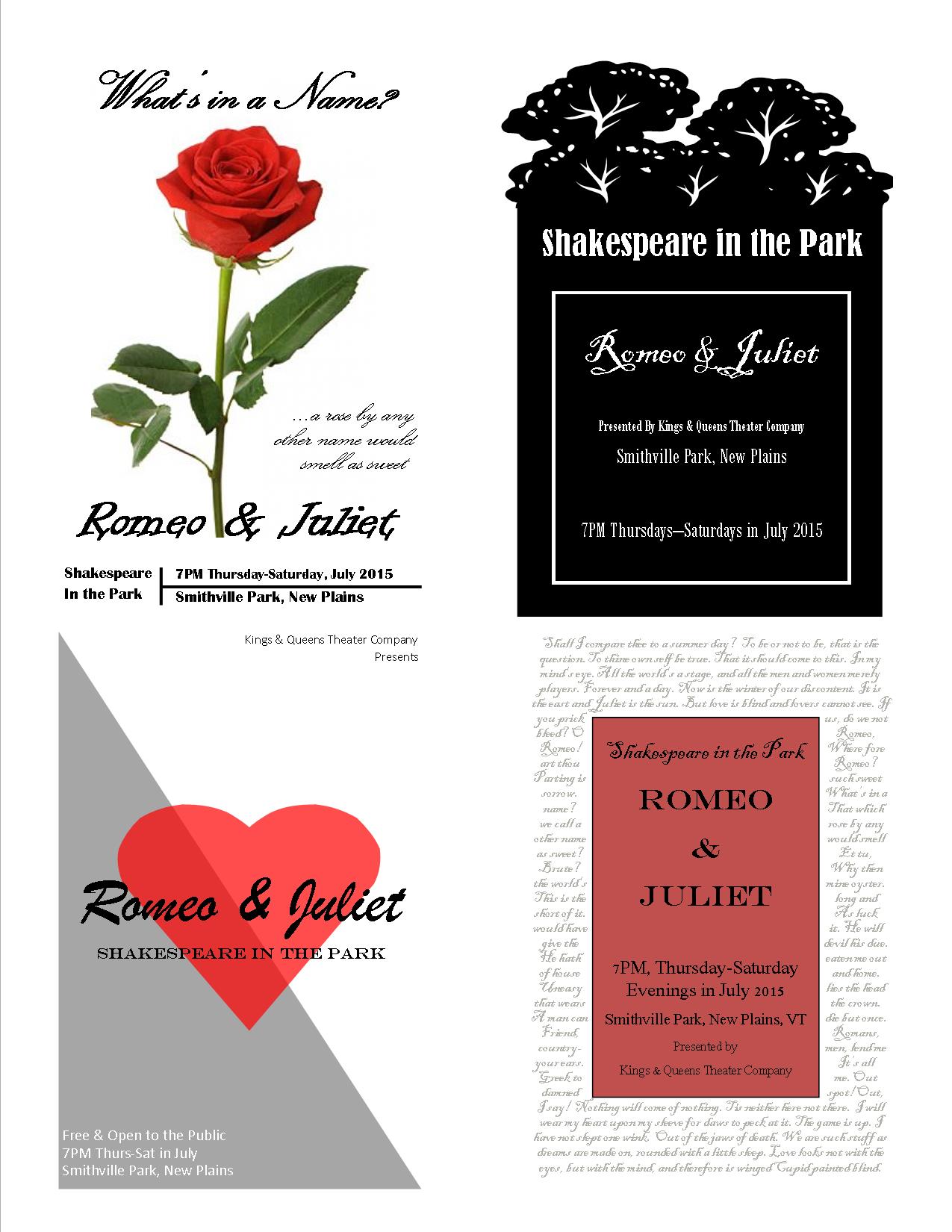
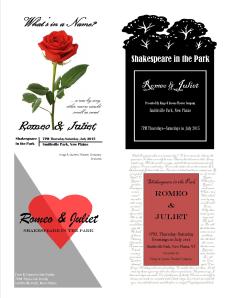
Since my handwriting is difficult to read, I did some mockups on some of the sketches, especially for the one in the bottom right corner (below). The background is quotes from Shakespeare’s plays. I did them in a script font in a light gray color, so they are mostly background, but a closer look and one can read all the greatest lines of several of his plays.

Poster Mockups poster mockups
DESIGN BRIEF For Poster Project

Designer: Kristin Graham

Prepared By: Kristin Graham

Date: July 27, 2014

Project: Event Poster for Shakespeare in the Park

Size Specs: 24” x 36”

Client: Kings & Queens Theatre Company, New Plains, VT

Overview: A community theater company wants to advertise their Shakespeare in the Park Summer Play, Romeo & Juliet. They would like posters to hang in local businesses.

Design concept: The poster design will be vertical and reflect the theme of the play.

Audience: The target audience is teenagers and adults who like theater, especially Shakespeare, and/or families looking for summer evening outdoor entertainment.

Design Restrictions: The poster must grab the casual passerby’s attention and communicate the following information: title of the play (Romeo & Juliet), cost (free), time and dates (7:00pm Thursday through Saturday evenings in July 2015), and location (Smithville Park, New Plains, VT), as well as the theater company’s name (Kings & Queens Theatre Company), website (www.kingsnqueenstheatreco.com) and the director’s name (Anthony Stillwell).

Competition: There are so many others events going on in the summer that this poster must stand out and draw people in to see this play.

Takeaways: The audience should see this poster and know instantly that is advertising the play Romeo & Juliet. The design should reflect the theme or certain familiar aspects of the play (possibly the balcony, love, star-crossed, family feud). The information about the play (Shakespeare in the Park, date, time, location, etc.) should be clear and easy to find.

Advertising/Stores: The best places to hang this poster are in local shops and restaurants, especially those surrounding the park and those involved in the local Chamber of Commerce. Hanging the poster in shops and restaurants of neighboring towns would bring in people from a large geographic area. Other ideas for places to target are coffee shops, local colleges, libraries, museums and events bulletin boards.

Another recommendation is to contact the local newspaper to get the event listed on their calendar page.